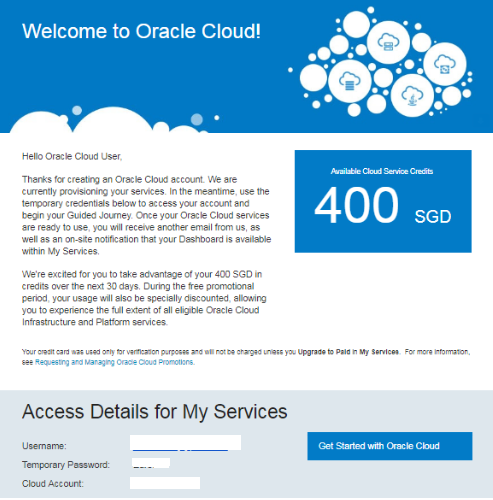
Description:
- Oracle provided the free account to access the oracle 11g|12c|18c database in Oracle Cloud services
- Using this free account we will create the 11g|12c|18c database
- Oracle Free Cloud Promotion period 30 days or USD300 Free Credits
- You can run a maximum of 8 instances across all available services and up to 5 TB of storage during the promotional period
Step 1:-First Open your web browser and navigate to https://cloud.oracle.com/home
Click the “Try for free” button,

Click on the Create a free account button

Step 2:-Provide the details which you want to use for login your oracle cloud account
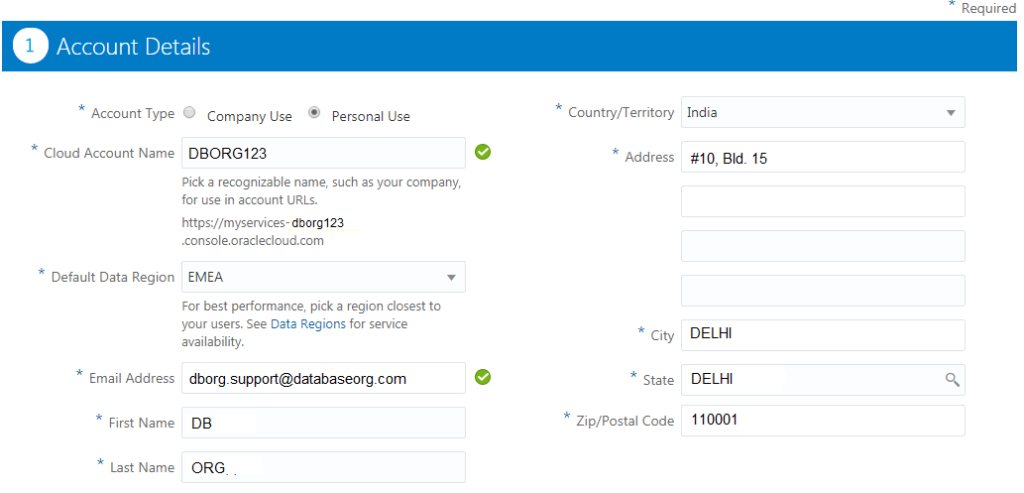
Step 3: Contact Information
Provide the mobile number details
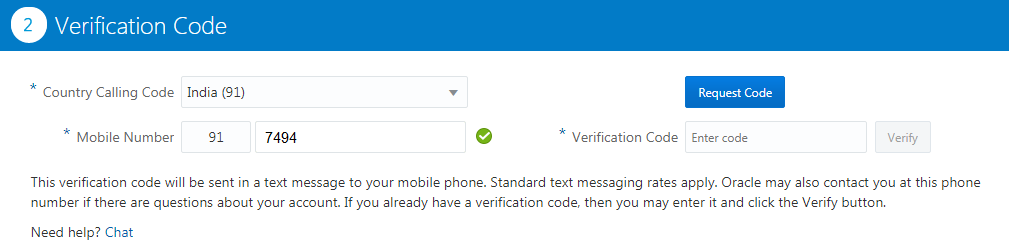
Step 4:-Payment information
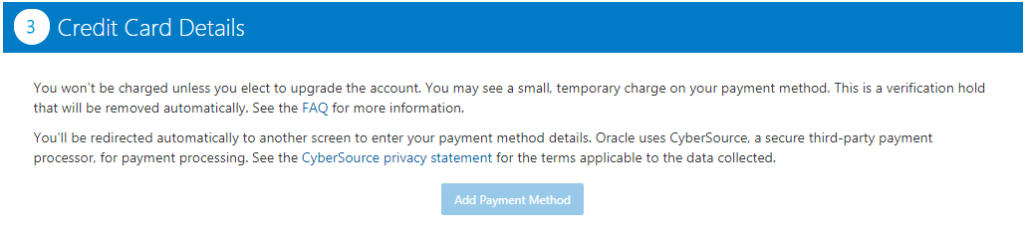
Validate the address and credit card payment details
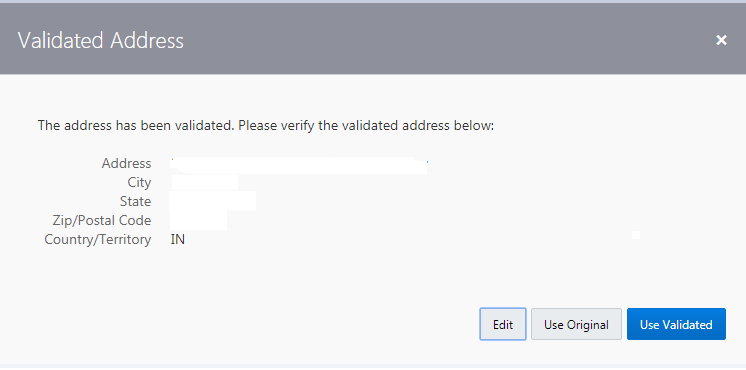
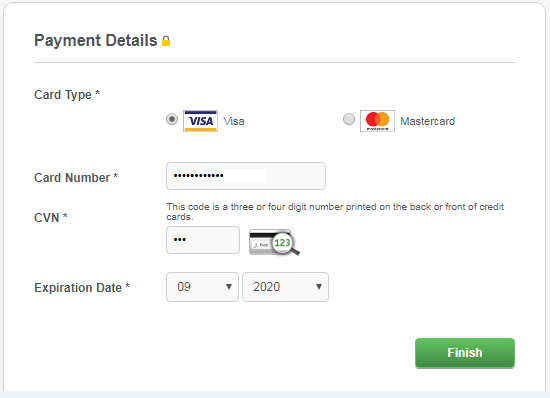
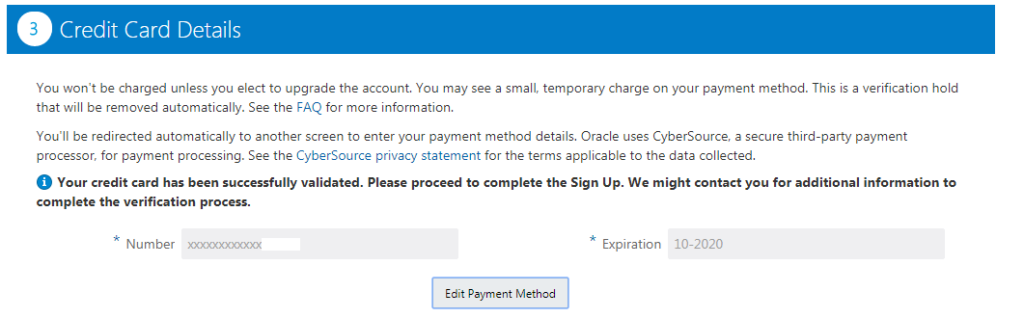
Step 5:- Confirmation
After the verification payment details and click the complete button to create a cloud free account

Step 6:-Welcome Mail and Access Details